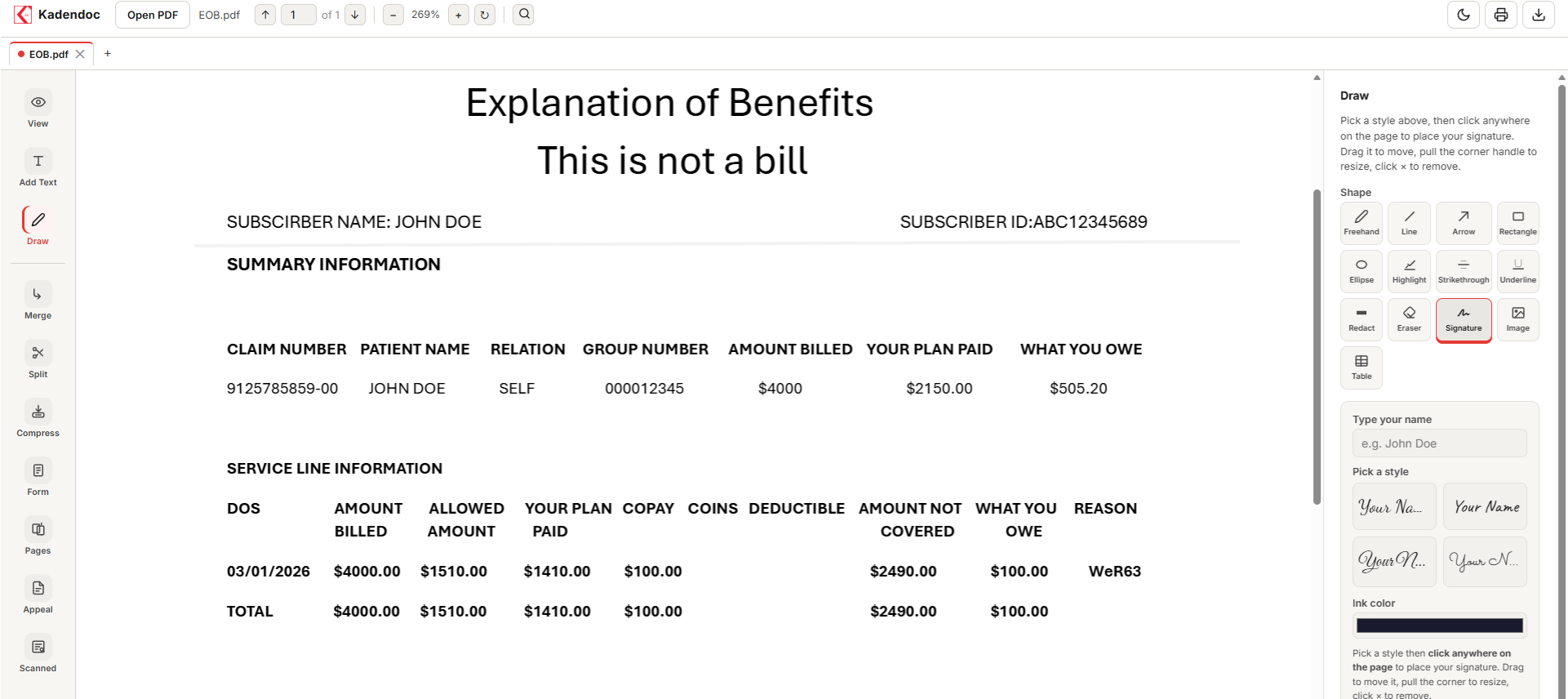
Kadendoc was built around the specific paperwork billing teams push through every day.

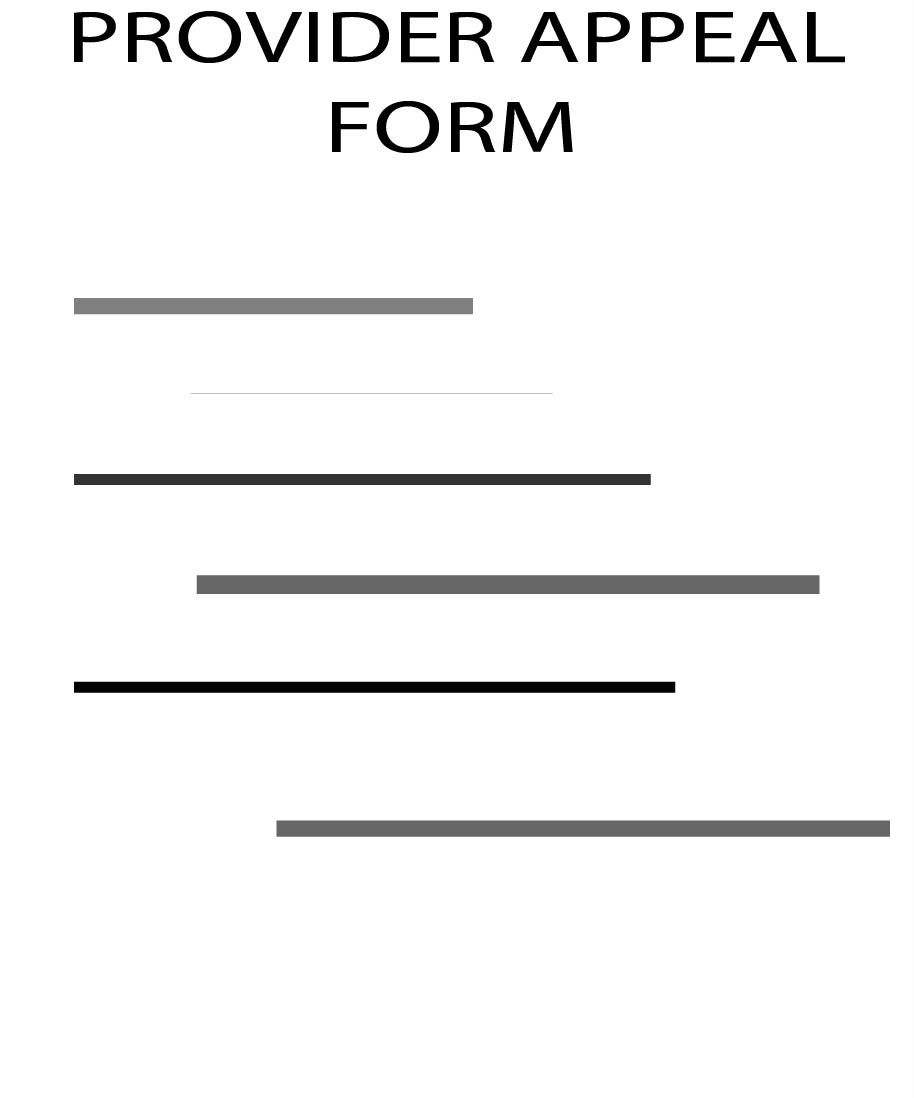
Place fillable text fields and checkboxes directly onto any provider appeal form — including forms that were never made fillable to begin with.
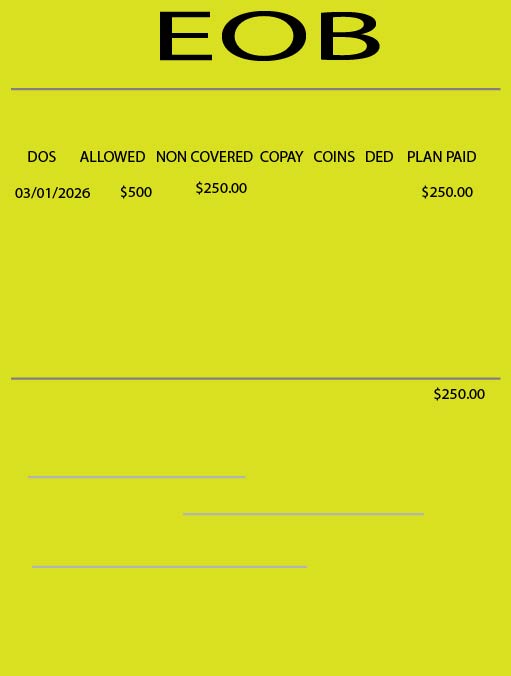
Cover or remove sensitive member information before forwarding an EOB internally.
Merge a denial letter, the original claim, and supporting documentation into a single file, in the right order, in seconds — no separate merge tool, no upload.
No subscription, no watermarks, no "upgrade to unlock." See the full features list for the complete picture.
Type directly onto blank lines, auto-shrink to fit, download — even on forms that were never made fillable.
True redaction flattens the page so removed text is genuinely gone, not just covered up.
Real text fields, checkboxes, radio groups, dropdowns — save the editable form you created for future use.
Combine claim documents into one file, or split a multi-page PDF apart, in seconds.
Freehand, shapes, arrows — circle the line item that matters, point at the denial code.
Multi-hundred-page PDFs render smoothly, page by page.
EOBs, patient statements, claims, denials, takeback letters from insurance — the pile grows every day. In medical billing, you can't stop the paperwork, but with Kadendoc, you can manage the mess. We are the single PDF platform that unifies and accelerates the unique administrative tasks medical billers face, turning overwhelming paper chaos into organized data flow.


Time is quite literally money in billing. Every minute spent manually formatting an EOB or editing a PDF is a minute delayed on reimbursement. Kadendoc turns hours of manual administrative labor into a few clean clicks, with all the required tools in one workspace!
Kadendoc is built with a client-side architecture. This means the tool and all the functions required to edit a document run entirely within your web browser using JavaScript, ensuring ultimate privacy for your daily workflows:
You handle the compliance; we provide the tool.

General-purpose PDF tools are great for everyday use. But billing teams end up hitting page limits, waiting on uploads, and handing patient data to a server somewhere just to merge two pages together.
Kadendoc was built around the documents billing teams actually deal with — appeal forms, EOBs, claim files, authorizations, all of it carrying sensitive patient information. Everything runs in your browser, so there's nothing to install, no account to create, no file size cap on a busy day, and no patient data that ever has to leave your machine.
| Typical PDF editors | Kadendoc | |
|---|---|---|
| File uploads to process | Yes | Never |
| Account required | Usually | No |
| Page limits on free tier | Common | None |
| Monthly credits/subscriptions | Varies | Not required |
| Built for medical billing | No | Yes |

Every day, professionals spend countless hours handling documents instead of focusing on the work that truly matters. Kadendoc was created to change that. Our mission is to build fast, intuitive, and dependable document tools that remove unnecessary complexity from everyday tasks. Whether it's editing, organizing, converting, or reviewing PDFs, we believe these tasks should be simple, efficient, and accessible.
We focus on creating practical solutions that improve productivity, respect user privacy, and deliver a seamless experience without unnecessary distractions. As Kadendoc grows, we remain committed to listening to our users, working on their feedback, and improving the overall experience for all of the billing community.
Kadendoc is an independent passion project for the billing community. Building a tool from scratch is hard, but seeing billers use it makes it worth it. Follow us on LinkedIn to show your support, leave a comment, or just say hi. Every single follow genuinely helps us out!
Follow Kadendoc on LinkedIn →

Yes — Kadendoc is a free contribution to the billing community, so there's no paid tier. No trial that expires, no card required to keep using it next month.
Yes — it also lets you search, select, and copy the text, not just view it as a flat picture.
Nothing — there was never a server copy to begin with. Closing the tab is effectively the same as deleting it.
No. It's a website — open it, make the edit, close the tab when you're done.